
Each guide here answers a different question, and each has its own reader. Take the one that is yours.
A tour of everything the site does, with two live proofs: a certificate you can verify yourself right now, and an event dashboard you can open and read without owning an event.
Take the tourEight steps from creating an account to issuing certificates: the form and its fields, sessions and committees, registration and peer review, the printed cards. Each step names the screen and links to it.
Open the guideTwo pages introducing the site, its services and its links, ready to print and to forward. It carries its own address, so whoever receives an old copy can fetch the current one.
Download itWhat reviewers look for, a five-sentence structure, length and format, and common reasons for rejection.
Read the guideWhen to send it, what it must say, what to attach, and a template you copy with one click, filled in from the conference page.
Open the templateShort videos that walk through the site step by step, about a minute each.
 1:26
How to publish your event
Watch the video
1:26
How to publish your event
Watch the video
 0:56
From call for papers to peer review
Watch the video
0:56
From call for papers to peer review
Watch the video
 0:56
Certificates, from design to verification
Watch the video
0:56
Certificates, from design to verification
Watch the video
 0:56
Event day: programme, cards and check-in
Watch the video
0:56
Event day: programme, cards and check-in
Watch the video
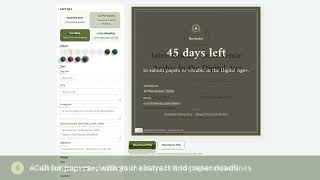 0:44
Social media cards for your event
Watch the video
0:44
Social media cards for your event
Watch the video
 0:38
The organiser's dashboard and final report
Watch the video
0:38
The organiser's dashboard and final report
Watch the video
 0:56
For researchers: find your conference and take part
Watch the video
0:56
For researchers: find your conference and take part
Watch the video